








Dynamic range is an essential concept in photography and multimedia, influencing how an image or video captures the variations between the lightest and darkest parts. A comprehensive understanding of dynamic range can significantly enhance your visual media skills, allowing for more detailed and vivid captures.
What Is Dynamic Range?
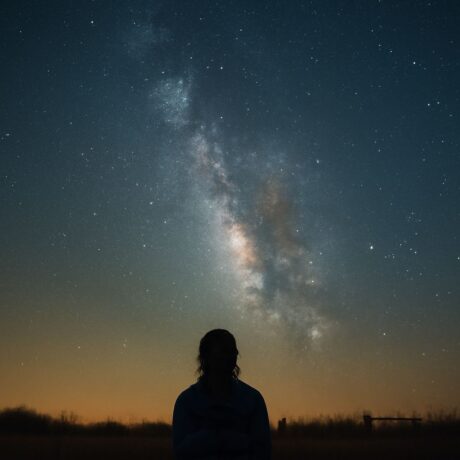
Dynamic range refers to the ratio between the maximum and minimum measurable light intensities, or exposure values, in a scene. In simpler terms, it’s the difference between the darkest blacks and the brightest whites. Cameras and sensors with a higher dynamic range can capture more detail in shadows and highlights, creating more balanced and true-to-life images.
Importance of Dynamic Range in Photography
Dynamic range is crucial in photography as it determines the level of detail captured in both the darkest and lightest areas of an image. A higher dynamic range allows photographers to work in challenging lighting conditions, such as high-contrast scenes with both bright sunlight and deep shadows. This capability is particularly important in landscape and architectural photography, where lighting can vary dramatically across the scene.
In portrait photography, dynamic range ensures that details in skin tones and clothing are preserved without losing color accuracy. In post-processing, a broad dynamic range provides more flexibility to adjust exposure and contrast without introducing noise or other artifacts.
Techniques to Optimize Dynamic Range
To optimize dynamic range, photographers can employ several techniques. One popular method is using High Dynamic Range (HDR) photography, which involves taking multiple exposures of the same scene and blending them to create a single image that captures a wider tonal range. This technique is particularly useful in scenes with extreme contrasts.
Another approach is to shoot in RAW format, which captures more data than JPEG, allowing for greater adjustments in post-processing. Using neutral density filters can also help manage exposure in scenes with very bright areas, reducing the risk of blown highlights.
Understanding and utilizing your camera’s histogram can help ensure that images are exposed correctly, maximizing the available dynamic range. Adjusting exposure settings appropriately for the scene can prevent loss of detail in shadows and highlights.
Tools and Software for Enhancing Dynamic Range
Several tools and software can help enhance dynamic range in post-production. Adobe Lightroom and Photoshop are popular choices, offering powerful adjustment tools to refine exposure and contrast. They include features like shadow/highlight recovery and tone mapping, which are integral for managing dynamic range effectively.
Photomatix is another dedicated HDR software that provides a range of presets and manual controls specifically designed for HDR processing. It allows users to merge multiple exposures seamlessly and adjust the tonal range to produce images with enhanced dynamic range.
For video production, tools like DaVinci Resolve offer advanced color grading options to manage the dynamic range in moving images. This software helps achieve a cinematic look by balancing highlights and shadows across different frames.
Understanding and effectively using these tools empowers photographers and videographers to produce high-quality, visually compelling work that makes full use of available dynamic range.