









Photo stacking is a powerful technique used by photographers to enhance the depth of field and detail in their images. By combining multiple photographs taken at different focus distances, photographers can create a single image with greater clarity and sharpness. This comprehensive guide will walk you through the essential tools, techniques, and tips for mastering photo stacking and improving your photography skills.
Understanding Photo Stacking
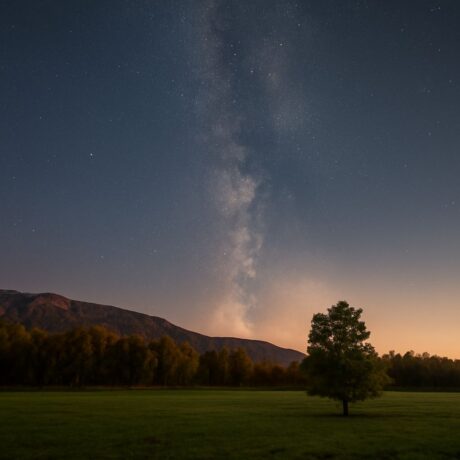
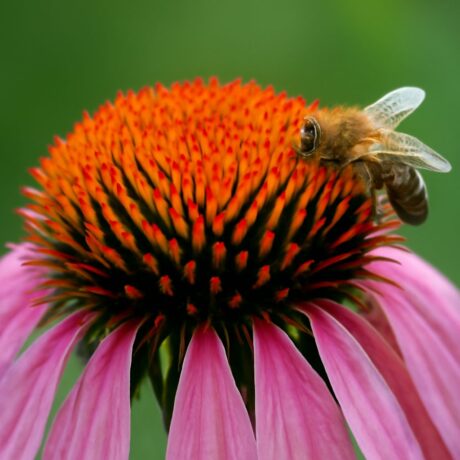
Photo stacking involves capturing several images of the same scene, each focused at different points, and then merging them into one image with a wide depth of field. This technique is particularly useful in macro photography, landscape photography, and astrophotography, where achieving perfect focus throughout the image can be challenging. By stacking photos, photographers can ensure that all elements of a scene are in sharp focus, from the foreground to the background.
Essential Tools and Software for Photo Stacking
To effectively perform photo stacking, photographers need specific tools and software:
- Camera and Lens: A DSLR or mirrorless camera with manual focus capabilities is ideal. A sturdy tripod is also essential to maintain consistent framing across shots.
- Remote Shutter Release: This tool helps prevent camera shake when capturing images, ensuring that all photos align perfectly.
- Photo Editing Software: Programs like Adobe Photoshop and Helicon Focus are popular choices for stacking images. These software options offer features to align and blend images seamlessly.
Step-by-Step Guide on How to Stack Photos
- Set Up Your Camera: Mount your camera on a tripod to keep it stable. Set your camera to manual mode and enable manual focus.
- Capture Multiple Images: Focus on different parts of the scene, starting from the nearest point and moving to the farthest. Take a series of shots, ensuring overlap between focused areas for a smooth transition.
- Import Photos to Editing Software: Load the images into your chosen software, such as Photoshop or Helicon Focus.
- Align and Stack Photos: Use the software’s alignment tools to correct any slight movements between shots. Then, stack the photos, allowing the software to blend the focused areas into one sharp image.
- Post-Processing: Adjust the final stacked image’s exposure, contrast, and color balance to enhance its overall appearance.
Tips for Achieving the Best Results
- Use a Steady Tripod: To prevent shifts between shots, always use a stable tripod.
- Avoid Automatic Settings: Manual focus and exposure settings are crucial as they provide more control over the final image.
- Consider Lighting: Consistent lighting across all shots prevents shadows and highlights from becoming uneven when stacking.
- Practice Patience: Taking time to carefully focus on each segment of the scene will pay off in the clarity of the final image.
Common Mistakes to Avoid
Avoid these common pitfalls when practicing photo stacking:
- Inconsistent Focus Point Selection: Ensure each photo has a distinct focus point to cover the entire depth of the scene.
- Ignoring Alignment: Misaligned images can lead to blurring and ghosting. Use software tools to correct any shifts.
- Overlapping Errors: Ensure adequate overlap between focus points to avoid missing areas in the final image.
- Neglecting Post-Processing: Final adjustments can make a significant difference in the quality of the stacked image.
By following these guidelines and avoiding common mistakes, photographers can master the art of photo stacking, resulting in stunning images with exceptional detail and depth.